Origin History of Pickleball Den
If you have been around the courts for more than a few months, you’ve likely noticed a massive shift. Gone are the days when a local club could survive on a clipboard, a dulled pencil, and a prayer. As the sport exploded in popularity—becoming the fastest-growing sport in America year after year—organizers faced a massive headache. How do you manage hundreds of players, varying skill levels, and endless round-robin brackets without losing your mind?
Enter Pickleball Den.
The platform didn’t just appear out of thin air; it was born from necessity. It traces its roots back to the grassroots level of the game, created by pickleball enthusiasts who were frankly tired of the logistical nightmares associated with running local leagues and shootouts. The founders recognized that while there were tools for massive, sanctioned tournaments, there was a gaping hole when it came to the day-to-day management of local clubs, ladders, and recreational play.
Pickleball Den was designed to be the digital “living room” for players—a place to organize, track, and connect. It wasn’t about being the flashiest corporate software; it was about functionality. It replaced the crumpled paper sheets and the frantic text messages with a streamlined, digital system. Over time, it has evolved from a simple scheduling tool into a robust ecosystem that handles everything from sophisticated rating algorithms to complex club communications. It’s the unsung hero for thousands of club managers who can finally put down the spreadsheet and actually pick up a paddle.
1. Introduction & App Availability (The #1 User Confusion)
We need to start with the elephant in the room. If I had a nickel for every time someone asked me, “Why can’t I find this thing in the App Store?” I’d probably be able to buy a brand-new carbon fiber paddle. It is easily the most common stumbling block for new users who are looking for the pickleball den app, so let’s clear the air.
Is Pickleball Den a mobile app or a website? (Clarifying the Progressive Web App concept)
Here is the secret: Pickleball Den is technically both, but not in the way you are used to. It is built as a Progressive Web App (PWA). I know, that sounds like boring tech jargon, but here is what it means for you: instead of building separate apps for Apple and Android that require constant updates and downloads, the developers built a powerful website that acts exactly like an app.
When you use the pickleball den app interface, it feels native. It looks like an app. But it lives on the internet. This allows the developers to push out updates instantly without you having to go to the store and hit “update.” It ensures that whether you are on a tablet, a phone, or a laptop, the experience is seamless.
Why can’t I find Pickleball Den in the Apple App Store or Google Play Store?
Because of the PWA structure mentioned above, you generally won’t find the official platform listed in the traditional Apple App Store or Google Play Store. If you search for it there, you might find copycats or generic scorekeepers, but you won’t find the real deal.
This is a deliberate choice. By bypassing the app stores, they avoid the “middleman” fees and restrictions, allowing them to keep costs lower for clubs and players. It also means they aren’t at the mercy of Apple or Google’s approval times for fixing bugs. So, save yourself the time—you won’t find it there!
How do I add the Pickleball Den shortcut to my iPhone or Android home screen?
Since you can’t download it, you need to “install” it yourself. Don’t worry, it takes about ten seconds.
For iPhone (iOS) Users:
- Open the Safari browser (this usually works best with Safari on iPhones).
- Navigate to pickleballden.com.
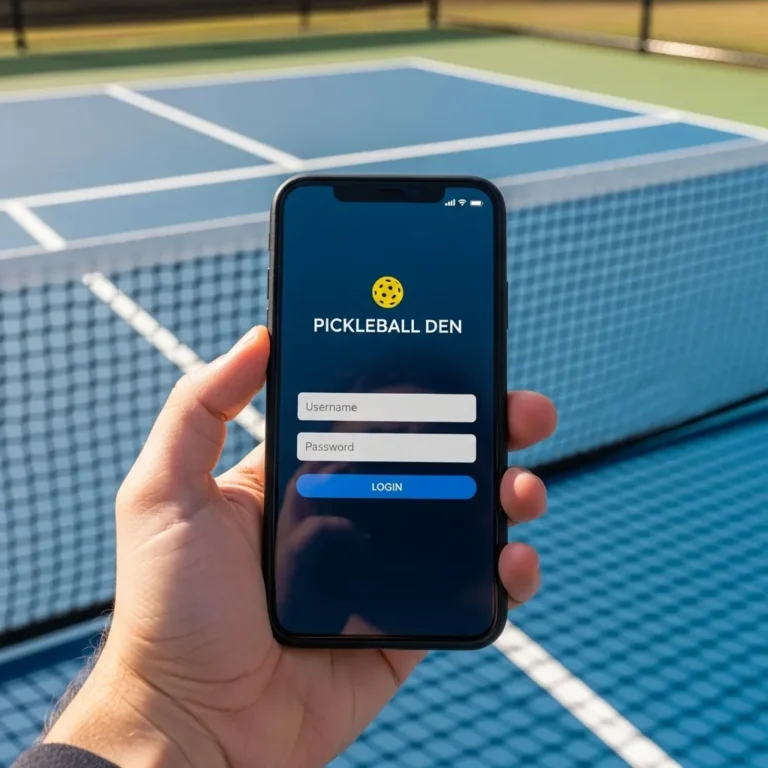
- Perform your initial pickleball den login so you land on the dashboard.
- Look for the “Share” button at the bottom of the screen (it looks like a square with an arrow pointing up).
- Scroll down the list of options until you see “Add to Home Screen.”
- Tap that, give it a name (it usually defaults to Pickleball Den), and click Add.
- Voila! You now have an icon on your screen that functions just like a native app.
For Android Users:
- Open Chrome.
- Go to the website and log in.
- Tap the three vertical dots in the top right corner of the browser.
- Select “Add to Home screen” or sometimes “Install App” (depending on your Android version).
- Confirm your choice, and the icon will appear in your app drawer or home screen.
Does the platform work on desktop browsers, or is it mobile-only?
While it is optimized for mobile because that is what we use at the courts, Pickleball Den works beautifully on desktop browsers like Chrome, Firefox, or Edge. In fact, for club administrators who are setting up complex ladders or managing large databases of players, I highly recommend using the desktop version. You get more screen real estate to view spreadsheets and player lists. However, for the average player just checking their score or signing up for a game, the mobile experience is the way to go.
2. Account Management & Access
Now that you have the shortcut on your phone, you actually have to get inside. This sounds simple, but let’s be honest—we all have “password fatigue,” and managing yet another sports profile can sometimes be a hassle. Here is how to navigate the digital front door without locking yourself out.
How do I create a new account and verify my email on Pickleball Den?
The sign-up process is straightforward, but accuracy is key here. When you go to the site, look for the “Sign Up” or “Create Account” button. You will be asked for standard details: name, location, and email.
Pro Tip: Use the email address you actually check on your phone. The system sends a lot of notifications about game times and court assignments. If you use an old “junk” email, you’re going to miss your match.
Once you hit submit, the system will send a verification link to your inbox. You must click this link to activate the account. If you don’t verify, your pickleball den login credentials won’t work, and you will be stuck in limbo, unable to sign up for any club events.
What should I do if I’m not receiving the “Password Reset” email?
This is a classic panic moment. You are standing at the courts, everyone is waiting, and you can’t remember your password. You hit “reset,” and… nothing.
First, check your Spam or Promotions folder. Email providers like Gmail are notoriously aggressive about filtering out automated emails from platforms like this.
If it’s not there, try to remember if you signed up with a different email alias. For example, some people sign up with [email protected] but try to reset [email protected]. While Gmail treats those as the same, the software might not.
If all else fails, you may need to contact your club administrator directly. They often have a “backdoor” access to trigger a password reset or at least verify which email address is on file for you.
How can I link multiple email addresses to a single player profile?
This is a handy feature for families or people who are transitioning from a work email to a personal one. Inside your profile settings, there is usually an option to add a secondary email. This ensures that notifications go to both places.
However, be careful not to create a new account with the second email. You want to add the email to your existing profile. If you create a second account, your stats won’t transfer, and your club manager will have two “John Smiths” in the system, which messes up the brackets.
Is there a way to merge duplicate accounts if I accidentally created two?
We see this happen all the time. You forgot you made an account in 2023, so you made a new one in 2025. Now you have half your games on one profile and half on the other.
Unfortunately, there is no “Merge” button that you can press yourself. This is a security measure to prevent people from stealing other players’ ratings. To fix this, you generally need to contact Pickleball Den support or ask your local Club Admin to “archive” the old account and manually move your history over, though the latter is tedious. The best route is to email the support team directly with both account emails and ask them to merge them into the one you want to keep.
3. Features for Players (Usage & Scoring)
Alright, you are logged in. Now, how do you actually use this thing to play pickleball? The user interface is functional, but it has its quirks. Let’s walk through the daily workflow of a player.
How do I sign up for a specific club’s ladder or round-robin event?
This is the bread and butter of the platform. Once you have joined a club (usually via a link sent by the club manager), you will see a dashboard listing upcoming events.
Look for a tab often labeled “Sign-up Sheets” or “Calendar.” You will see a list of dates and times.
- Find the date you want to play.
- Click the button that usually says “In” or “Sign Up.”
- Pay attention to the time window! Many clubs open sign-ups at a specific time (e.g., Sunday at 8:00 PM), and spots can fill up in seconds.
Crucial Detail: Some events allow you to sign up with a partner, while others are “individual” sign-ups where the software pairs you. Make sure you know which one it is so you don’t accidentally sign up alone for a doubles partner tournament.
What is the process for entering game scores after a match is finished?
In a managed shootout or ladder, “self-scoring” is common.
- After the game, one player (it doesn’t matter who) opens the pickleball den app interface.
- You will see your active game highlighted.
- Click “Enter Score.”
- Input the winning score and the losing score.
- Verify the winner! It is very easy to accidentally swap the scores, giving the win to the wrong team.
- Hit “Submit.”
Once submitted, the system instantly updates the standings. It’s actually quite satisfying to watch your name move up the list in real-time.
Can I edit a score entry if I made a mistake, or does the admin need to do it?
We are human; fat-finger mistakes happen. You meant to type “11-9” but typed “11-0.”
Typically, once a score is submitted and “locked” (meaning the next round of games has been generated based on that score), you cannot edit it yourself. This prevents people from tampering with results after the fact.
If you catch the mistake immediately before the next round starts, some configurations allow a quick edit. However, 99% of the time, you need to yell for the Club Admin or the person running the laptop at the courts. They have the “superuser” power to override the score and recalculate the standings.
How do I view my match history and performance statistics over time?
One of the best features of Pickleball Den is the data. Go to your Profile or Stats tab. You can see:
- Win/Loss ratio.
- Total points scored vs. points allowed.
- Your history against specific opponents (great for friendly trash talk).
It gives you a great snapshot of whether you are actually improving or just plateauing.
How does the “Check-in” feature work for tournaments within the Den?
On the day of the event, signing up isn’t enough; you have to “Check In” to tell the algorithm you are physically present.
- When you arrive at the courts, open the app.
- You should see a big button or banner for today’s event.
- Tap “Check In.”
If you forget to do this, the software might assume you are a no-show and leave you out of the bracket generation. Always check in as soon as your sneakers hit the court surface.
4. Ratings & Integrations (Niche/Specific)
Pickleball players are obsessed with ratings. It’s the badge of honor we wear. Pickleball Den handles ratings in a specific way that is helpful to understand so you don’t get confused with other systems.
Does Pickleball Den have its own rating system, and how is it calculated?
Yes, Pickleball Den uses its own proprietary rating system, often referred to as a “Club Rating” or “Den Rating.” Unlike a static rating, this is dynamic. It looks at who you played, the score differential, and the rating of your opponents.
If you beat a higher-rated team, your rating jumps up significantly. If you lose to a lower-rated team, you take a hit. It is designed to be a “current form” rating, reflecting how you are playing right now within that specific club ecosystem.
How does a player’s Pickleball Den rating compare to their DUPR or UTPR rating?
This is a point of confusion. Your Pickleball Den rating is NOT the same as your DUPR (Dreamland Universal Pickleball Rating) or UTPR.
Think of the Den rating as “internal” currency. It is used to seed you correctly for that specific club’s ladder.
- UTPR is usually for sanctioned tournaments.
- DUPR is the global standard attempting to unify all play.
- Den Rating is for your local club ecosystem.
Often, you will find your Den rating is slightly different because it updates faster based on local club play, whereas DUPR might lag if matches aren’t uploaded immediately.
Check out our guide to Why Did My DUPR Pickleball Rating Drop After a Win?Explained or Decoding Your pickleball ratings: A Complete Guide
Can I sync my Pickleball Den match results directly to DUPR?
The demand for this is huge. As of the most recent updates, Pickleball Den has been working on tighter integrations. However, it is not always automatic for every single game.
Usually, the Club Admin has to set up the integration. They can configure the event so that results are “pushed” to DUPR. If the club hasn’t set this up, your games in the Den remain “in the Den.” If you care about your DUPR, ask your club organizer explicitly: “Is this ladder DUPR-reported?”
What determines the movement up or down in a shootout or ladder tier?
In a “Shootout” format (a popular feature on the Den), movement is based on your total score or win percentage for that specific session.
- If you are on Court 1 (the top court) and you lose, you move down to Court 2.
- If you are on Court 2 and win, you move up to Court 1.
Over a season, the software tracks your average position. If you consistently finish on the top courts, the algorithm suggests (or automatically moves) you to a higher skill bracket (e.g., moving from 3.5 to 4.0).
5. Club Management & Organization (For Admins)
If you are the person running the show, Pickleball Den is designed to save your sanity. Managing a club of 200+ people via text message is impossible. Here is how the Den helps the organizers.
How do I create a private group or “Den” for my local club?
You cannot just stumble into creating a club; you usually need a Club Manager account subscription. Once you have that:
- Go to the Admin dashboard.
- Select “Create New Club.”
- You can set parameters: Is it public (anyone can join) or private (invite only)?
- You can customize the logo, welcome message, and court locations.
This is especially useful for specialized facilities. Whether you are running a community park league or a high-end commercial spot like The Dink Den Indoor Pickleball, the software scales to your needs. It allows you to tailor the experience, so the branding feels like your club, not just a generic template.
What tools are available for organizing a “Shootout” style tournament?
The “Shootout” tool is arguably the platform’s killer feature.
You set the parameters:
- Number of courts available.
- Number of players.
- Time per round (or score limit).
The software does the math. It generates the pairings, ensuring people don’t play the same partner twice if possible (in round robins), or managing the “King of the Court” movements automatically. It tells players which court to go to, saving you from shouting over the noise of pickleballs popping.
How can admins create automated waitlists for full events?
Nothing creates more drama than a “who signed up first” argument. Pickleball Den automates this.
When you set up an event, you set a Player Cap (e.g., 16 players).
The 17th person to sign up is automatically placed on the Waitlist #1 spot.
If Player #3 drops out, the system automatically moves Waitlist #1 into the active roster and emails them. You, as the admin, don’t have to lift a finger.
Is it possible to broadcast messages or emails to all members of a specific Den?
Yes, and please use this power wisely! There is a Broadcast feature in the admin panel. You can send a message that appears as a push notification (if they have the web app active) and an email.
This is vital for:
- Rain delays (everyone’s nightmare).
- Court maintenance closures.
- New league announcements.
You can also filter these messages—sending them only to “3.5 Players” or “Tuesday Night League” members so you don’t spam the whole club.
6. Pricing & Comparisons
Is this software free? Is it worth the money? Let’s break down the economics of Pickleball Den.
Is Pickleball Den free for individual players, or is a subscription required?
For the vast majority of players, Pickleball Den is free to use. If your local club pays for the software to manage their league, you just create an account, join the club, and play.
However, there are “Premium” individual features, and obviously, the Clubs/Organizers have to pay to host the events.
What are the differences between the Free vs. Premium membership tiers?
Free Player Account:
- Join clubs.
- Sign up for games.
- View basic scores.
Premium (Individual) Account:
- Usually costs a small annual fee (around $20 – $30/year
depending on current pricing). - Unlocks deeper analytics.
- Sometimes allows you to track games outside of organized club events (recreational games with friends).
- Ad-free experience (if ads are present).
Club Subscription:
- This is a higher tier for the organizers, allowing them to run brackets, manage databases, and use the complex algorithms.
How does Pickleball Den compare to competitors like Pickleball Brackets or Global Pickleball Network?
Pickleball Brackets: This is the heavy hitter for large, sanctioned tournaments. If you are playing in the US Open or a PPA tour event, they use Brackets. It’s great for one-off big events but can be clunky for day-to-day club ladders.
Global Pickleball Network (GPN): Very similar to Den. GPN has a strong ladder system.
Pickleball Den’s Sweet Spot: It excels at local club management. If you have a group of 50 people playing every Tuesday and Thursday, Pickleball Den feels more community-focused and easier to use for recurring events than Pickleball Brackets. It handles the “social but competitive” vibe perfectly, whether you are playing at a dedicated venue like The Dink Den Indoor Pickleball or just your neighborhood courts.
7. Troubleshooting & Privacy
Technology is great until it isn’t. Here are the common tech headaches users run into and how to solve them without throwing your phone over the fence.
Why am I not receiving push notifications for game invites?
Because it is a Web App, notifications work a bit differently.
- Check Browser Permissions: If you use Chrome on Android or Safari on iOS, you have to explicitly allow the browser to send notifications.
- Profile Settings: Go into your Den profile and ensure “Email Notifications” and “Push Notifications” are checked.
- Do Not Disturb: Check your phone settings. If you have “Focus Mode” on during the day, you might be suppressing the alerts.
How do I hide my contact information (phone/email) from other players in the Den?
Privacy is a valid concern. You want to play pickleball, not get sales calls from the guy on Court 4.
In your Profile Settings, look for Privacy Controls.
You can usually toggle visibility:
- “Show to Admins Only” (Recommended).
- “Show to Club Members.”
- “Public.”
Set it to “Admins Only” if you want to keep your number private. The admins need it to call you for rain cancellations, but regular players don’t need it.
What steps should I take if the site freezes or fails to load on a specific browser (e.g., Safari vs. Chrome)?
Since Pickleball Den is a browser-based app, cache issues are the usual suspect.
- Refresh: A simple refresh solves 50% of problems.
- Clear Cache: Go to your browser settings and clear the cache/cookies for pickleballden.com. This is the “turn it off and on again” of web apps.
- Switch Browsers: If Safari is acting up on your iPhone, try opening the site in Chrome. If it works there, you know the issue is with your Safari settings.
- Update: Ensure your phone’s operating system is up to date. PWAs rely on the latest browser tech, so using an ancient version of iOS might cause glitches.
Recommended Reading
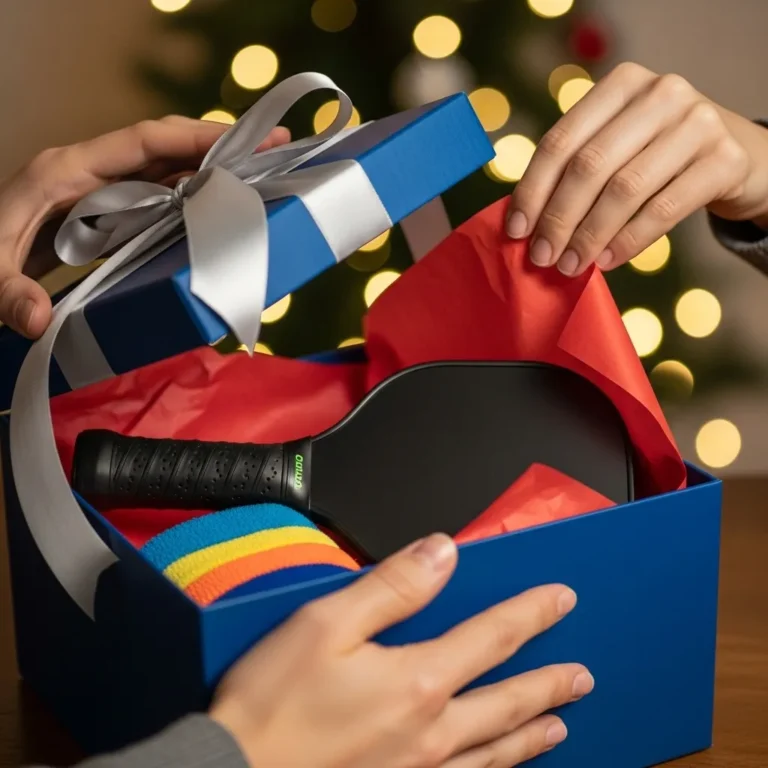
Top Pickleball Gifts 2025:From Stocking Stuffers to Pro Gear
Looking for unique pickleball gifts? We break down practical gear, funny apparel, and budget-friendly ideas to help you surprise the player in your life.
Final Thoughts
Pickleball Den might not have the flashy marketing budget of the big gear manufacturers, but for the community that uses it, it is indispensable. It brings order to the chaos of open play. Whether you are a 3.0 player just trying to get into a game or a club president trying to manage 500 members, understanding how to navigate this “Den” is the first step to a better experience on the court. So, get your account sorted, do your pickleball den login one last time to make sure you’re set, check your notifications, and I’ll see you at the kitchen line!
You May Also Like